CI3
3 kg payload · 600 mm working radius
Collaborative robots
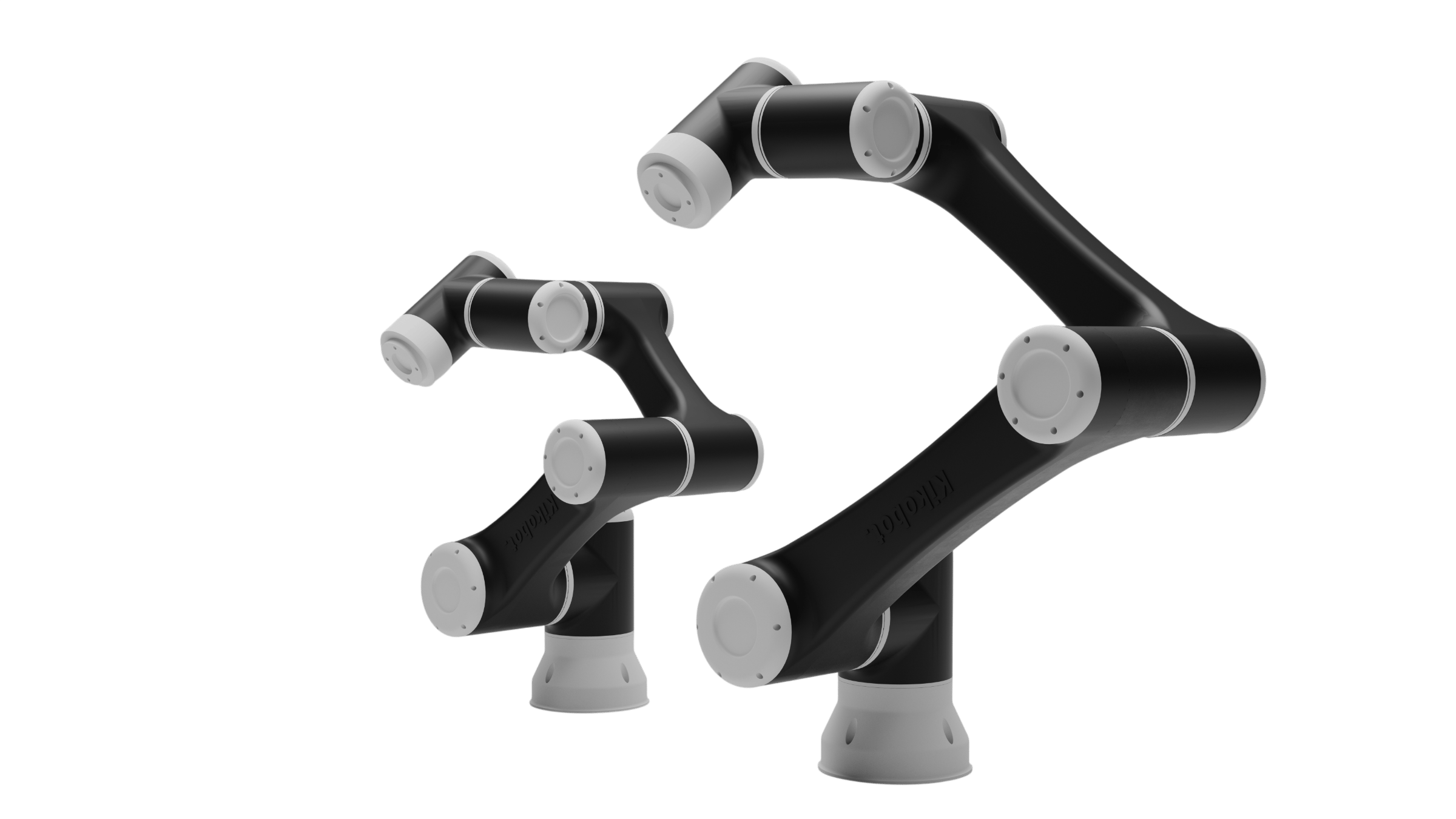
Four payload sizes on one platform — same controller, same software, same safety behaviour. Teach a routine by hand, then let the vision model handle what changes on the line.
Models and selection
Choose by payload and working radius. All four models use six degrees of freedom.
3 kg payload · 600 mm working radius
5 kg payload · 860 mm working radius
7 kg payload · 960 mm working radius
10 kg payload · 1400 mm working radius
Scroll horizontally to view and compare every column.
| PARAMETER | CI3 | CI5 | CI7 | CI10 |
|---|---|---|---|---|
| Maximum payload | 3 kg | 5 kg | 7 kg | 10 kg |
| Working radius | 600 mm | 860 mm | 960 mm | 1400 mm |
| Repeatability | ± 0.05 mm | ± 0.05 mm | ± 0.05 mm | ± 0.05 mm |
| Maximum linear speed | 2.5 m/s | 2.5 m/s | 3 m/s | 2.5 m/s |
| Robot weight | 14 kg | 24 kg | 25 kg | 39 kg |
| Degrees of freedom | 6 | |||
| Range of motion | ± 360° all joints | ± 360° all joints | ± 360° (J3 ± 150°) | ± 360° (J3 ± 150°) |
| Controller I/O | 8 DI · 8 DO | |||
| Communication | Ethernet / Modbus | |||
| End effector I/O | DI, DO, AI, AO · RS485 | |||
| Power supply · rated voltage | 100–240 V AC · 48 V DC | |||
| Nominal power | 400 W | 550 W | 600 W | 750 W |
Every CI robot shares the same controller, the same I/O and the same software — only the arm changes. Values from the CI Series datasheet.
Standard platform
Digital I/O, Ethernet and RS485 sit on the controller as standard. Grippers, sensors, PLCs and vision connect straight in — no expansion cards, no second cabinet.
Opto-isolated digital I/O for grippers, sensors, stack lights and line handshakes.
Modbus TCP and RTU on board, so PLCs, drives and vision talk to the robot directly.
Runs off single-phase mains anywhere in the world. No transformer, no dedicated supply.
Small enough to sit under the bench and light enough to move between cells.
Software
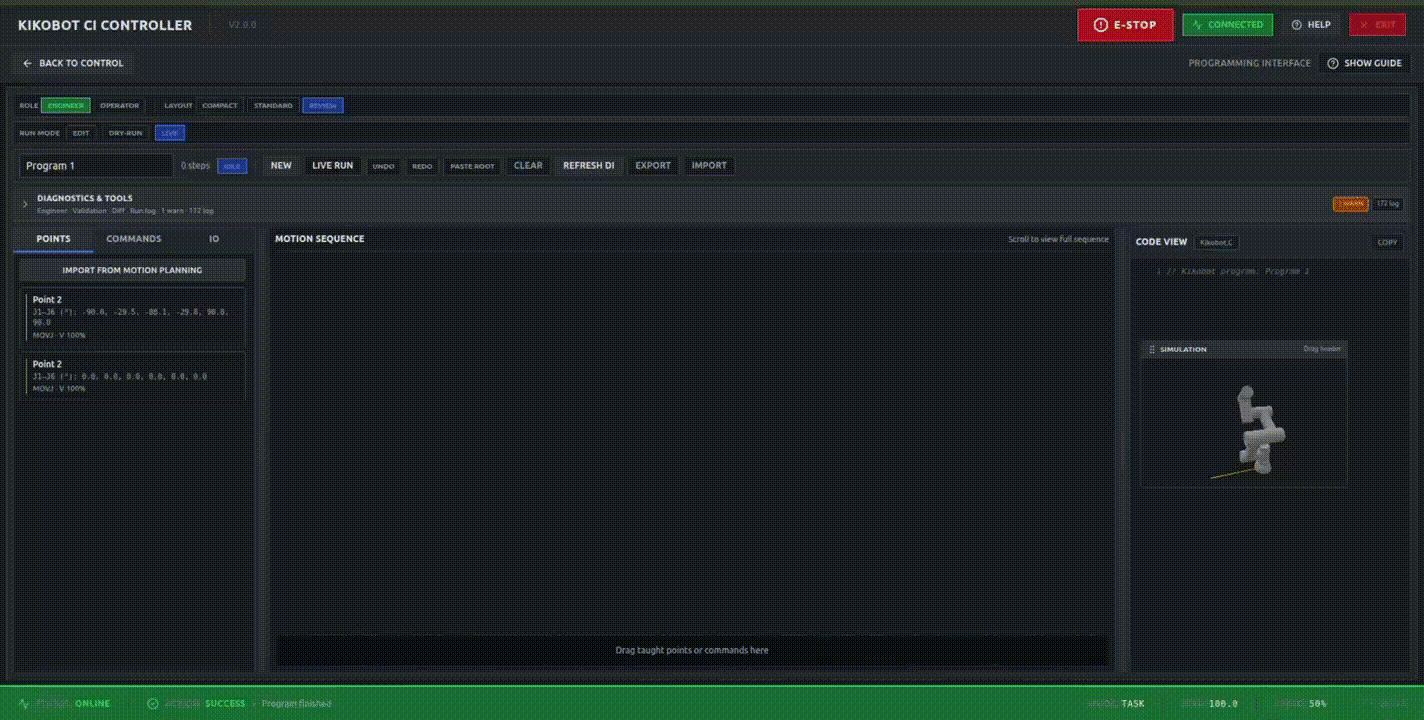
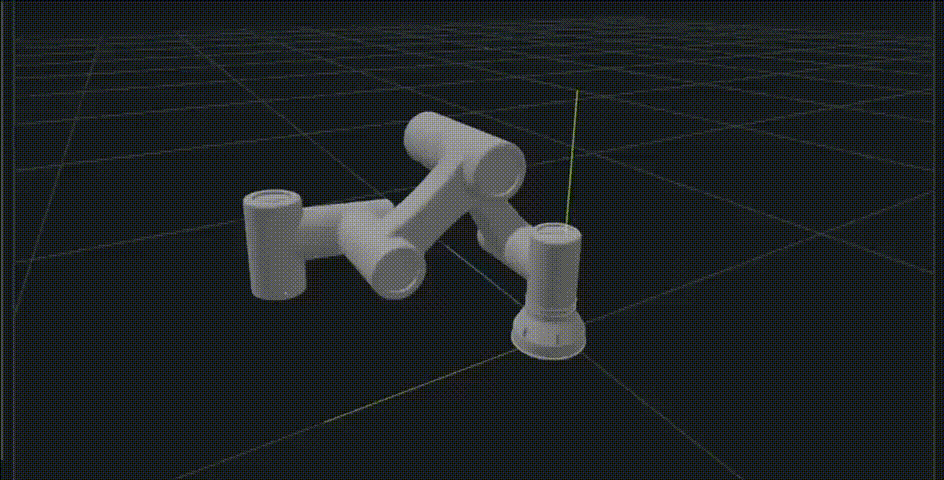
Build a working routine by dragging blocks, watch it run in 3D before the robot moves, and let the vision model handle what changes on the line. One application, installed on whatever you already have.
Windows · macOS · Linux · Tablet
Included with every CI robot
GIF — VISION-GUIDED PICKING
Illustrative production view
UNITS TODAY
4,182
+6% vs yesterday
AVG CYCLE
4.2 s
Target 4.5 s
UPTIME
98.6%
Last 30 days
Joint 4 temperature trending up over 300 cycles
Likely cause: payload above rated on the outfeed move. Suggested action: re-check grip offset, or book service inside 12 days.
All other joints within normal range · last calibration 41 days ago
HealthyMachine tending, palletising, dispensing, inspection and packaging start from a working program, not a blank canvas.
One installer for laptop, desktop or tablet. Program at your desk, walk to the cell and carry on where you left off.
Joint health, cycle history and fault records in one place, so a stoppage is understood before an engineer arrives.
Why Kikobot
Every CI model shares the same controller, I/O and software; only the arm changes.
Programming, simulation, I/O, templates and diagnostics sit in the application supplied with each CI robot.
Digital I/O, Ethernet, Modbus and RS485 are available on the standard controller and end-effector interface.
Applications
Load and unload CNC, injection moulding and press machines through the whole shift, including the ones nobody wants to staff.
Move parts between conveyor, tray and fixture at rate. Vision handles the pose, so parts do not have to arrive perfectly placed.
Build and break down layers up to 10 kg from a template, without the floor space a dedicated palletiser demands.
Insert, seat and fasten with the same torque on the thousandth part as on the first, and a record of every one.
Lay a consistent bead along a taught path at a steady speed, so material use stops depending on who is on shift.
Present each part to the camera, then sort, count and box on the result — one cell doing check and pack together.
Downloads and quote
Send the part weight, required reach, cycle time and end-effector details. We will use them to discuss the CI model and cell configuration.